Resources
Apr 25, 2026
AI Tools That Give You Your Time Back — Part 3: The Offline AI Setup Nobody's Telling Small Business Owners About
Part 3 of the AI for Small Business series. The free, offline AI tools and encrypted hardware that let you work with contracts, financials, and confidential client data without a single byte ever leaving your machine.

Part 3 of 4 in the AI for Small Business series. Read Part 1 and Part 2 first.
This is the part of the conversation most people never get to.
Parts 1 and 2 covered the tools that save you time on marketing and admin. Those are important. But Part 3 is what I consider the most critical piece of the whole series, and almost no one in the small business space is talking about it.
There are AI tools that run entirely on your own computer.
No internet. No cloud server. No company storing your prompts. No terms of service allowing them to use your data for training. The AI model lives on your machine, your documents stay on your machine, and nothing leaves.
This is Layer 3 of the framework. Contracts. Financial records. Legal documents. Client data that carries legal weight. Anything that, if it ended up somewhere it shouldn't, could seriously damage your business or your clients.
This is where that stuff goes. And the tools are free.
Why This Matters More Than People Realize
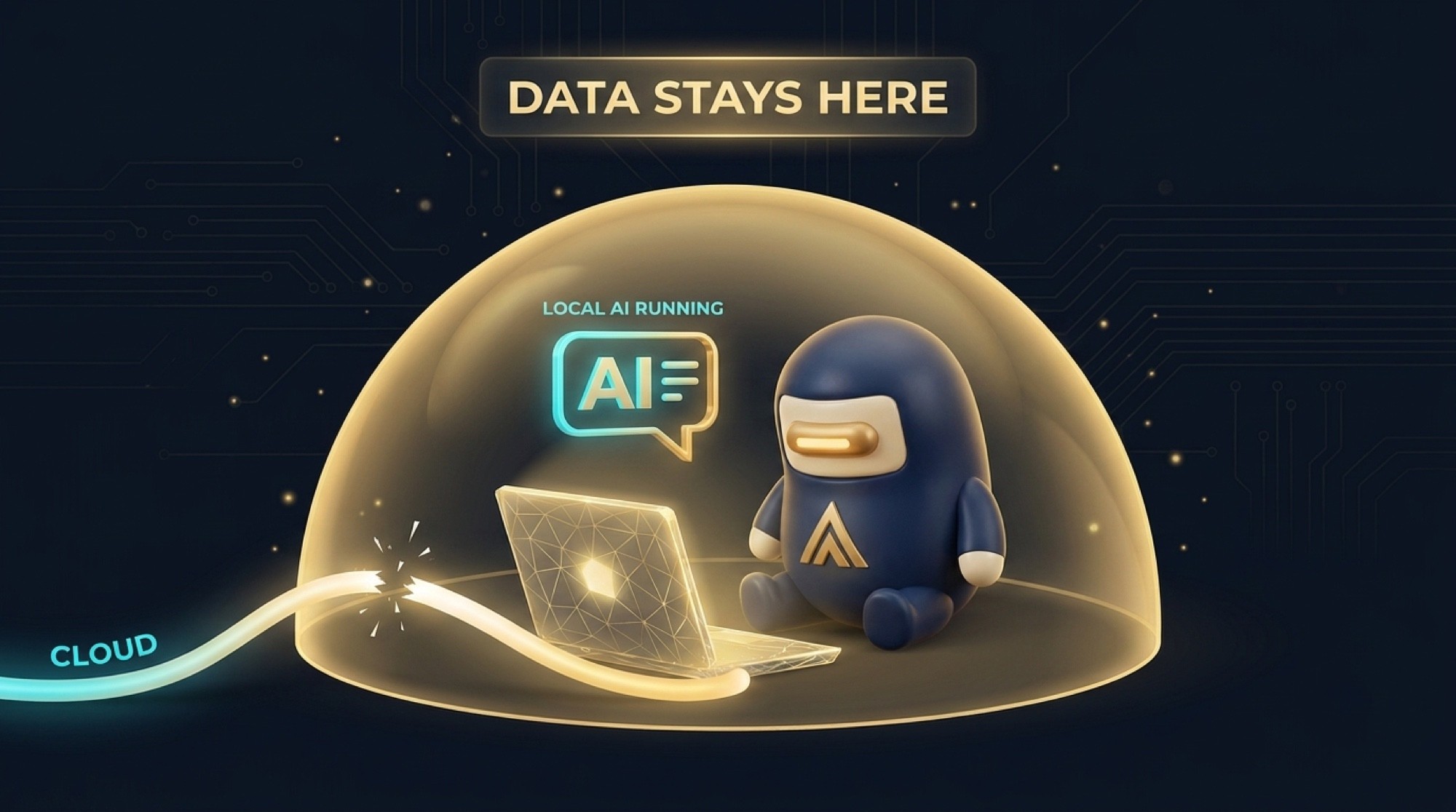
When you type something into ChatGPT or Gemini, that text travels to a server somewhere. It gets processed. It gets stored, at least temporarily. And depending on your plan and your settings, it can be reviewed and used to improve the model.
For marketing copy, I do not care. For a contract between me and a client, I care a lot.
The risk is not theoretical. In 2023 Samsung engineers pasted proprietary source code into ChatGPT while debugging. The data was confirmed as leaked. Samsung banned all generative AI tools company-wide the same week. JPMorgan Chase restricted ChatGPT access for employees because even routine interactions could expose client data or put them in violation of financial compliance rules.
These companies have lawyers, IT departments, and security budgets that most small businesses do not have. And they still got caught.
Local AI is the solution. You run the model. Your data never leaves your device.
The Tools
GPT4All — Where I Tell Most Business Owners to Start
GPT4All is the clearest recommendation I can make for a non-technical business owner who wants to use AI privately.
It installs like any other desktop application. You download it, run the installer, and you are done. No command line. No developer setup. No configuration files. Just an app.
Once it is installed, you choose from a curated list of AI models — meaning you are not staring at hundreds of options with no guidance. Pick one, download it, and you have a private AI assistant running on your own hardware.
The feature that changes things for business owners is called LocalDocs. You point it at a folder on your computer — your contracts folder, your client files, your SOPs — and the AI reads those documents locally. Then you can have a conversation with them. Ask what you charged a specific client for a specific project. Ask it to summarize a 40-page contract and flag anything that looks unusual. Ask it to pull out all the payment terms from a stack of vendor agreements. All of it happens on your machine. None of it goes anywhere.
GPT4All received $17 million in Series A funding. That matters because it means this is not a hobby project that disappears in six months. It is a real company building a real product for the long term.
Cost: Free. Most modern laptops can run the smaller models without any upgrades.
Download at: gpt4all.io
LM Studio — If You Have a Small Team
LM Studio is the right call if you have even a few employees who need access to local AI, or if you want more control over which models run and how. It is the only tool in this category that currently ships built-in governance features — meaning you can manage access and log usage across a team.
It also has a clean graphical interface. No command line required. You can drag and drop documents to chat with them directly, and all processing stays on your machine.
Cost: Free for personal and educational use.
Download at: lmstudio.ai
Ollama — If You Have a Technical Person on Your Team
Ollama is what developers use. It is fully open-source, highly flexible, and integrates with other tools and automation workflows better than GPT4All or LM Studio. If you have a technical co-founder or IT person, Ollama opens up options the other tools do not. If you are running your business solo without technical support, start with GPT4All and come back to Ollama later.
Cost: Free.
Download at: ollama.com
The Hardware Side — Private Storage That's Blowing Up Right Now
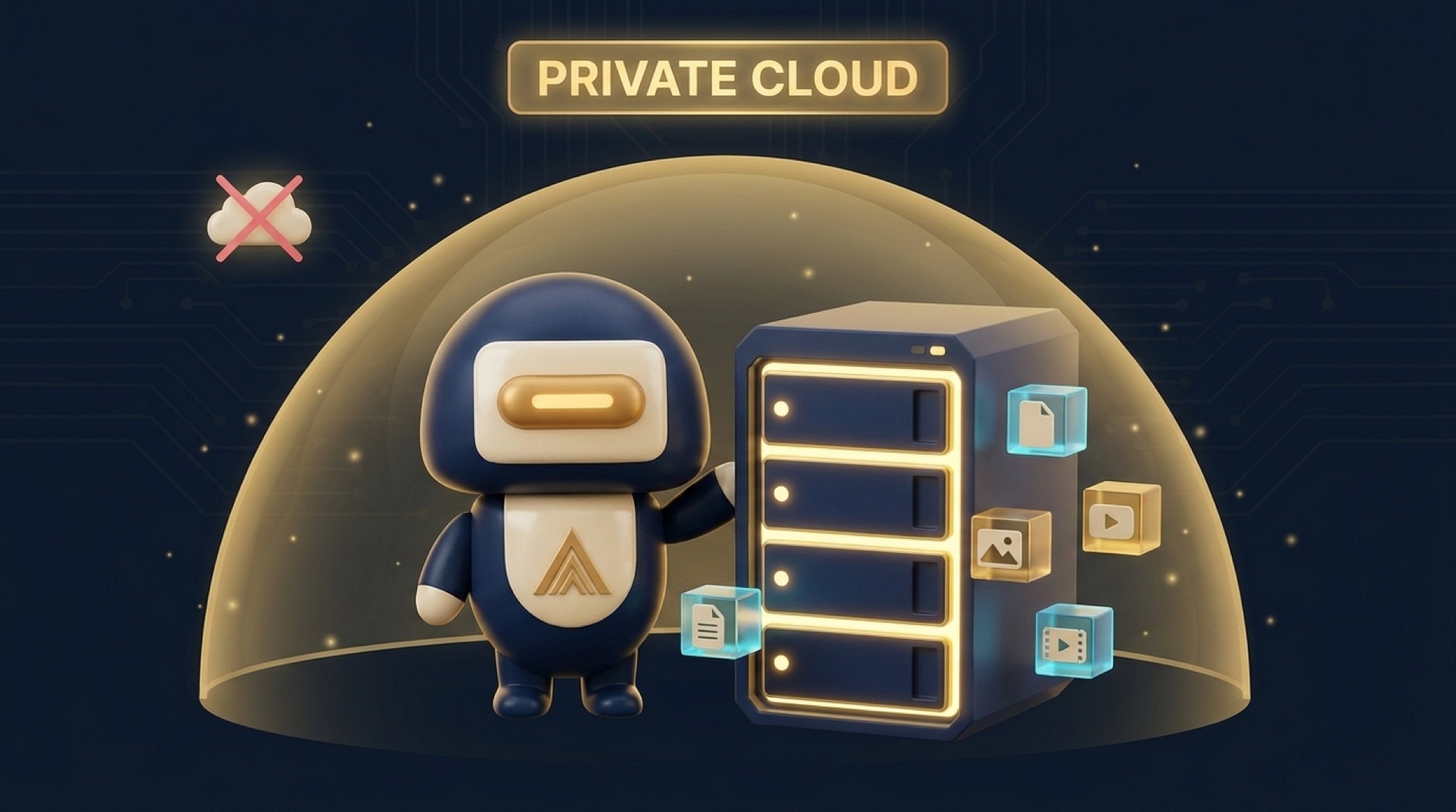
Beyond software, there is a growing category of hardware built specifically for this use case. AI-powered NAS devices — Network Attached Storage — are essentially private servers that sit in your home or office, run AI features locally, and give you remote access to your own files without involving any third-party cloud provider.
This category has been blowing up on TikTok and YouTube in 2026, and for good reason.
UGREEN NASync iDX
This is the most talked-about product in the space right now. UGREEN unveiled the iDX series at CES 2026 and it is a different category from what most people think of when they hear "external hard drive."
Everything runs on-device. Your data never leaves the hardware. The built-in AI assistant is called Uliya and it can answer questions about your stored files, summarize documents, transcribe voice recordings, and search your entire file library using plain language — all offline. No subscription fees to any cloud provider. No third party in the middle.
It supports up to 196 terabytes of storage using the largest available drives. It runs on an Intel Core Ultra 7 processor with 96 TOPS of AI compute, which is enough to handle indexing, transcription, and AI conversations simultaneously without slowing down.
The iDX6011 starts at $999 without drives. The Pro version retails at $2,599. Drives are sold separately. For a business storing sensitive client files, financial records, or proprietary documents, this is the most future-proof setup available right now.
If You Just Want Simple Encrypted Storage

If a full NAS feels like more than you need right now, two solid options for keeping sensitive files offline and protected.
Samsung T7 Shield at 4TB runs about $286. It is fast, rugged, and hardware-encrypted. Good practical choice for a business owner who wants sensitive files on a drive that never touches the cloud.
iStorage DiskAshur DT2 is hardware-encrypted with a physical PIN pad on the drive itself. No software required. No passwords on screen. Even if someone physically steals the drive, the data is locked. Best choice if physical security is the primary concern.
What a Real Layer 3 Setup Looks Like
Here is the practical version for a small business owner:
Install GPT4All on your laptop. It is free and takes about 20 minutes including the model download. Connect LocalDocs to the folder where you keep contracts, client records, and SOPs. Start using it to review documents, draft sensitive communications, and answer questions about your own files — all completely offline.
Store your most sensitive documents on a Samsung T7 Shield or similar encrypted drive rather than in Dropbox or Google Drive.
If you want to upgrade later, add a UGREEN NASync iDX and you have a full private cloud that your team can access remotely without any third-party server ever being involved.
Software cost: $0. Hardware cost: $100 to $300 for encrypted portable storage to start. Optional NAS upgrade at $999 and up.
One More Thing
I want to be clear about what local AI cannot do. It cannot match the raw capability of the frontier cloud models on complex reasoning tasks. If you need the most powerful AI available for something, GPT-4 or Claude Sonnet running in the cloud is still ahead of what runs on most laptops.
But for the business tasks that belong in Layer 3 — reviewing documents, drafting contracts, answering questions about your own files, summarizing reports — local models are more than capable. And the privacy tradeoff is not even close. Keep sensitive work offline.
Part 4 pulls everything together into a complete stack with real numbers on what it costs and how much time it saves.
If you want help setting up a private local-AI workflow that fits your business and actually gets used, that's what we do at Murillo Advisors.
Edgar Murillo is the founder of Murillo Advisors. Fort Worth, TX. Veteran-owned.