Resources
Apr 24, 2026
AI Tools That Give You Your Time Back — Part 2: Cloud AI for the Admin Work You Hate But Can't Ignore
Part 2 of the AI for Small Business series. The cloud AI tools that are actually safe for scheduling, email, invoicing, and team operations — and the business-tier accounts you need so client data is contractually protected.
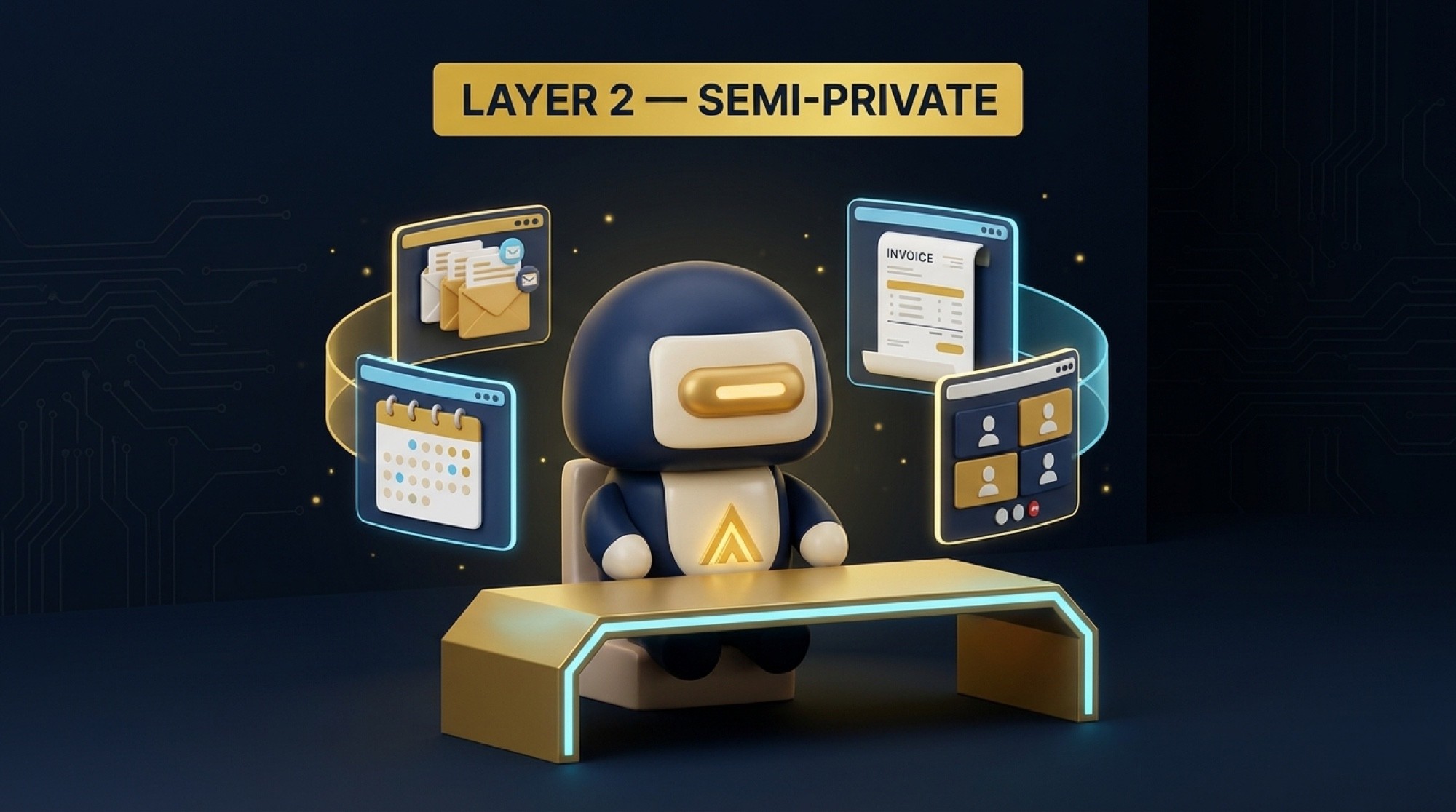
Part 2 of 4 in the AI for Small Business series. Read Part 1 here.
If Part 1 was about getting your marketing done faster, Part 2 is about getting your actual business operations under control.
Scheduling. Emails. Invoices. Meeting notes. Internal communication. The stuff that doesn't make you money directly but eats up every hour you could be spending on the things that do.
This is Layer 2 of the framework. Semi-sensitive. Not public, but not your most guarded information either. You can use AI here — but you cannot use just any AI. The tool matters and the plan tier matters.
Let me break it down.
The Thing You Have to Understand About Data Tiers
I touched on this in Part 1 but it bears repeating because it directly affects which tools are appropriate for this layer.
There are three levels you need to know.
Consumer free accounts. Your data trains their models by default. Not appropriate for client information.
Consumer paid accounts (the $20 a month plans). Better, but still consumer-grade. Your data is still treated like consumer data by most platforms.
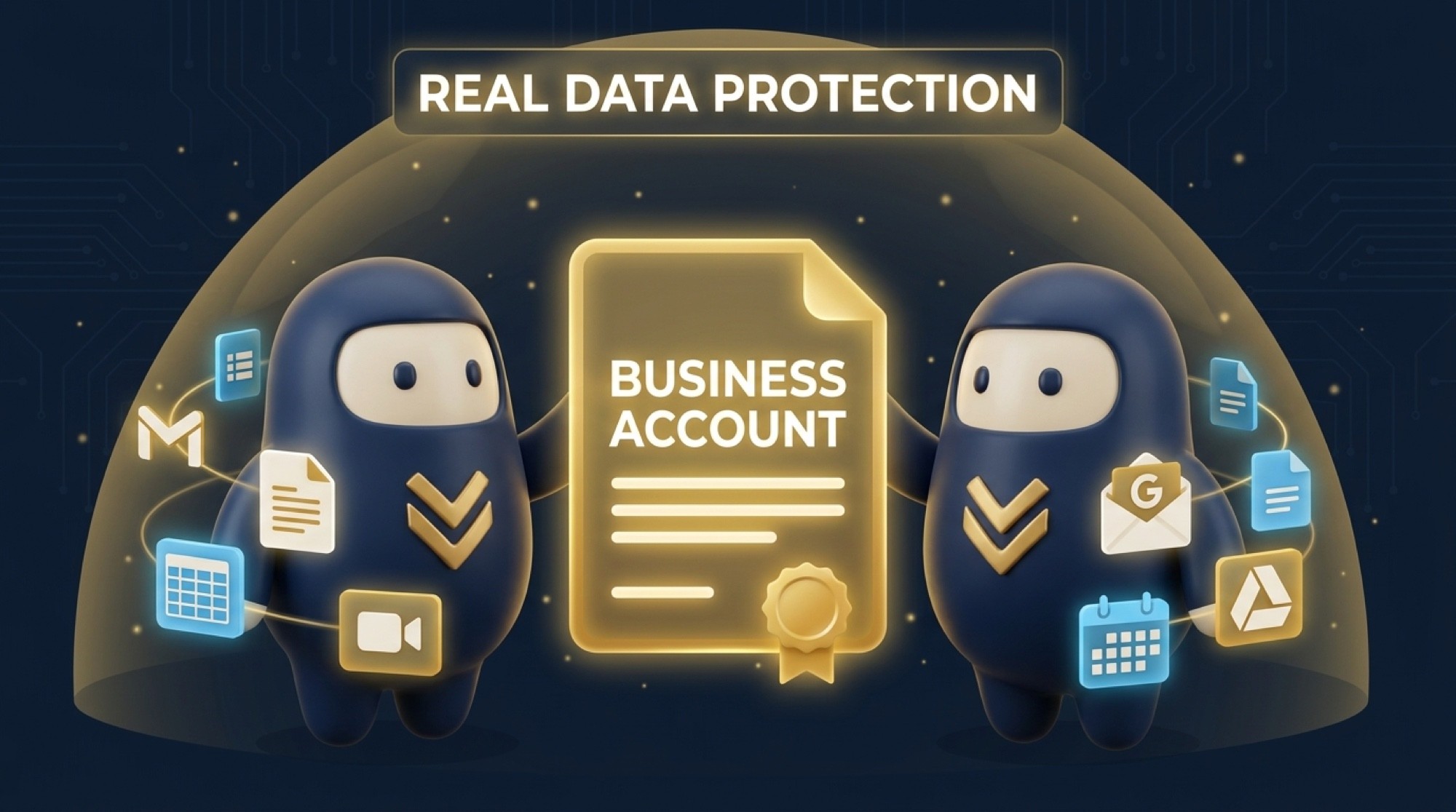
Business accounts. This is where you get actual contractual data protection. Google Workspace business. Microsoft 365 business. These platforms have legal agreements, compliance frameworks, and explicit policies that say your data does not get used to train models.
For Layer 2 work, you want to be on a business account. The cost difference is usually $6 to $30 a month per user. That is not a significant expense when you consider you are handling client communication and internal business operations through these tools.
The Tools I Recommend for Layer 2
Microsoft Copilot inside Microsoft 365 Business
If your business already runs on Microsoft — Outlook, Word, Excel, Teams — this is the most natural move. Copilot integrates directly into those apps and all processing happens under Microsoft's commercial data protection agreement. Your data stays in your Microsoft environment. It does not go to a shared training pool.
The practical applications that actually save time: summarizing long email threads in Outlook with one click, drafting professional responses from a quick set of bullet points, automatically recapping Teams meetings and pulling out action items, and pulling data out of Excel spreadsheets without needing to know formulas.
Microsoft 365 Business Basic is $6 a month per user. Copilot is an add-on at $30 per user per month. If you are paying for Microsoft 365 already, check your tier — Copilot may already be included or available.
Google Workspace with Gemini
If you run your business on Gmail, Google Docs, Drive, and Calendar, the AI features built into Workspace are the most frictionless option available. Google Workspace business accounts explicitly do not use your data to train their AI models. That is a documented policy difference from a personal Gmail account, where data handling is less defined.
Use it to draft email replies in Gmail directly, summarize long documents in Docs without reading the whole thing, flag anomalies in Sheets data, and build proposals from rough notes. Google Workspace Business Starter is $6 a month per user and Gemini features are included at certain tiers.
One thing I want to be clear about — do not do your Layer 2 work through a personal Gmail account. The policy is different. The protection is different. Pay for the business account.
Notion AI
If you manage your business — projects, client records, SOPs, internal documentation — through Notion, the AI add-on is worth it. You can generate first drafts of standard operating procedures from bullet points, summarize client meeting notes into action items, search your entire workspace with plain language questions, and build internal knowledge bases your team can actually use.
Notion AI is $10 a month per user added to any Notion plan. Their current policy states that workspace content is not used to train their AI models — I would verify this directly at notion.so/security-and-privacy before adding anything sensitive.

Calendly
Not an AI tool in the traditional sense but it eliminates one of the most pointless time drains in a service business: the back and forth scheduling emails. Connect it to your calendar, set your availability, share a link. Clients book themselves. Reminders go out automatically. You never send another "does Tuesday at 2 work for you" email.
For a service business — consulting, cabinet design, barbershop, mobile mechanic — this alone saves hours every week. Free tier handles basic scheduling. Standard plan is $10 a month.
QuickBooks
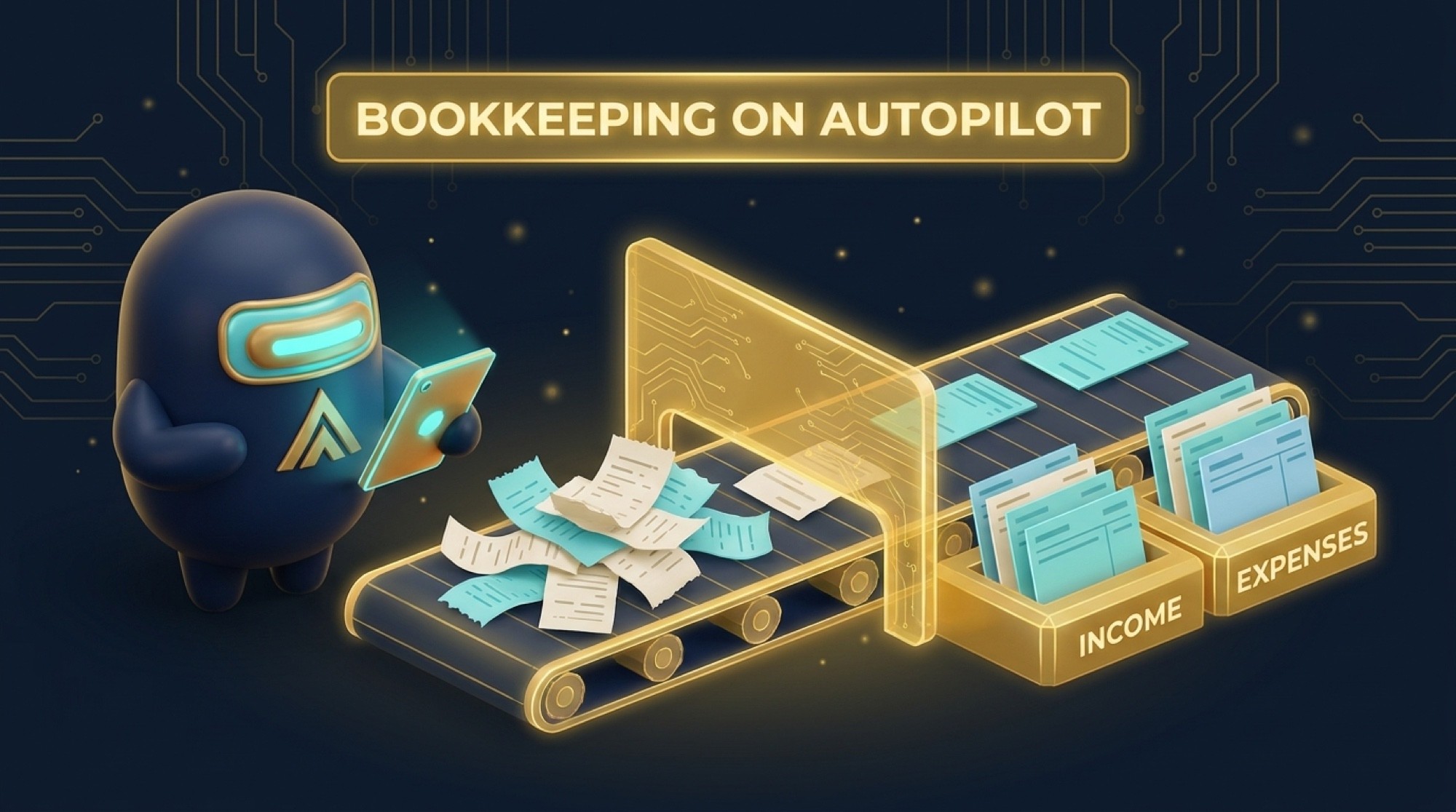
QuickBooks uses AI to automatically categorize your business expenses, flag anything unusual in your books, and generate financial reports without you having to build them manually. For a solo operator or small business, it eliminates most of the manual data entry that used to take hours every month.
What is appropriate to run through QuickBooks: your normal business income and expenses. What is not appropriate: using any AI chat features within the platform to analyze confidential legal agreements or sensitive personnel situations. Use it for what it is built for.
Simple Start is $35 a month. Plus is $85 a month and includes contractor management and project tracking.
The Theme Across All of These
Business version. Not consumer version.
Every single tool on this list has a consumer option that is cheaper or free. And for every single one, the business version is where your data is actually protected. The gap is not a technicality. It is the difference between your client communication sitting in a legally protected environment and it being subject to review and potential training by people you have never met.
Six dollars a month for Google Workspace. Six dollars a month for Microsoft 365 Business Basic. These are not significant expenses. They are the cheapest protection you will buy for your business this year.
What's Next
Part 3 is the one most business owners have never heard of and it might be the most important. We are talking about AI tools that run entirely on your own device. No internet connection, no cloud server, no terms of service to worry about. Your data never leaves your machine.
This is where you handle contracts, financial statements, legal documents, and anything else that is too sensitive to go anywhere near a cloud service.
If you want help configuring your business-tier accounts properly so this layer is locked down from day one, that's what we do at Murillo Advisors.
Edgar Murillo is the founder of Murillo Advisors, a digital marketing and web design agency based in Fort Worth, TX. Veteran-owned.