Resources
Apr 24, 2026
Part 1: Useful AI tools & Security Risk.
A four-part series for small business owners on using AI without leaking client data. Part 1 lays out the three-layer framework — public, semi-private, confidential — plus the marketing tools you can start using today.
Part 1 of 4 in the AI for Small Business series.
Let me be straight with you.
I am not going to tell you to download ChatGPT and start automating your business. That advice is everywhere and it is missing the most important part of the conversation — most business owners are using these tools wrong, and some of them are going to pay for it.
I run a digital marketing and web design agency out of Fort Worth. I work with small business owners every day. The number one thing I see is people jumping on AI tools without understanding what those tools actually do with their information. You paste something in, hit enter, and you never think about where it goes.
I want to fix that. This series is four parts. By the end of it you will know exactly which tools to use, what to put in them, and what to keep off the internet entirely.
Let's start with the foundation.
Think About Your Business Like a House
You got rooms in your house that anyone can walk into. The front porch, the living room — that's public. Then you got areas for people you trust. And then you got places where only you go. Your files, your safe, your personal stuff.
Your business information works the same way.
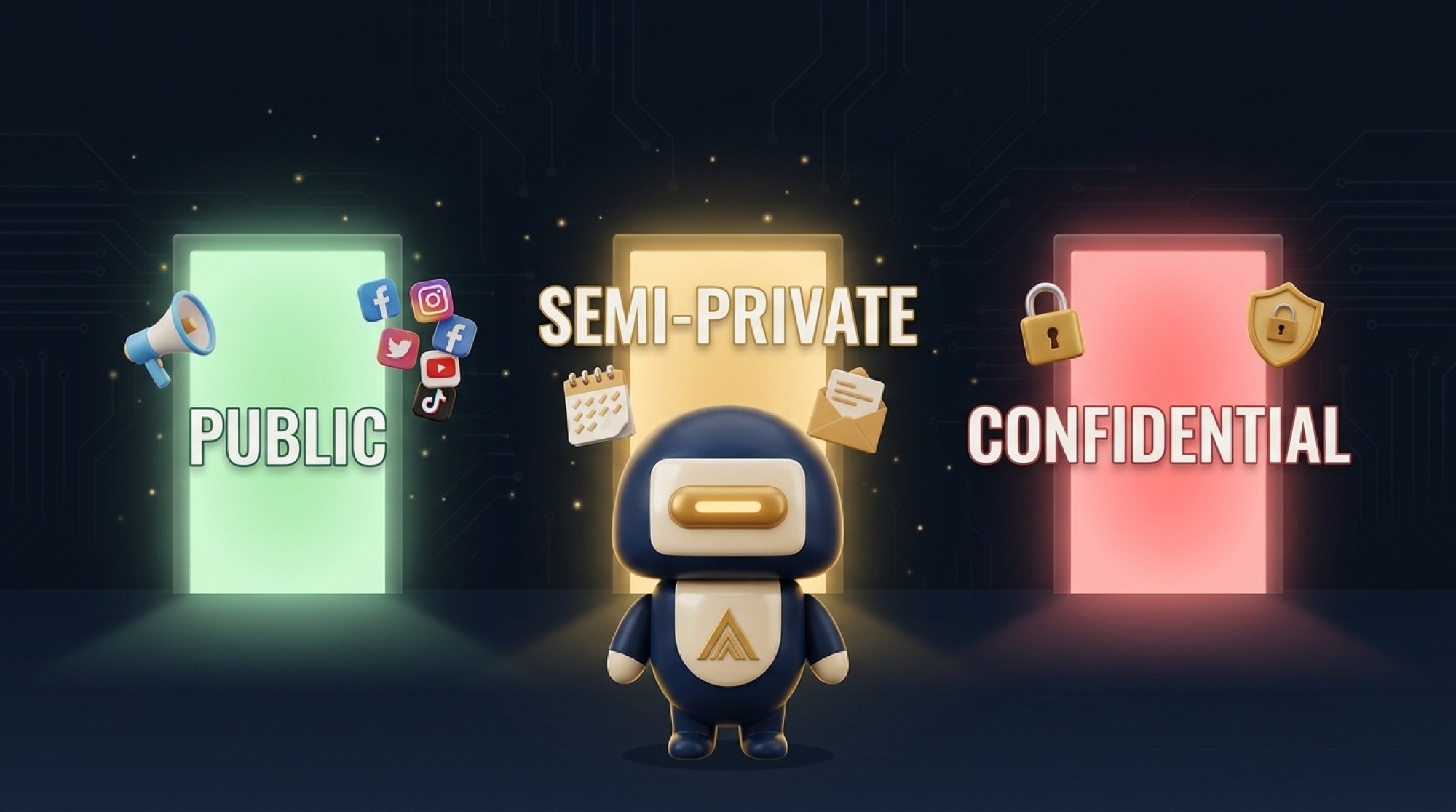
There are things you post publicly every day — social media content, your website, ads. That's your front porch. There's stuff that's semi-private — scheduling, internal emails, invoices. That's the living room. And then there's the sensitive material — contracts, tax records, client financial information, legal documents. That's the safe.
The problem is most people are treating everything like it lives on the front porch. They're pasting contract details into free chatbots. They're uploading client files to tools that, by default, can use that data to train their AI models. And they don't realize it until it's too late.
Here's the framework I use with every client:
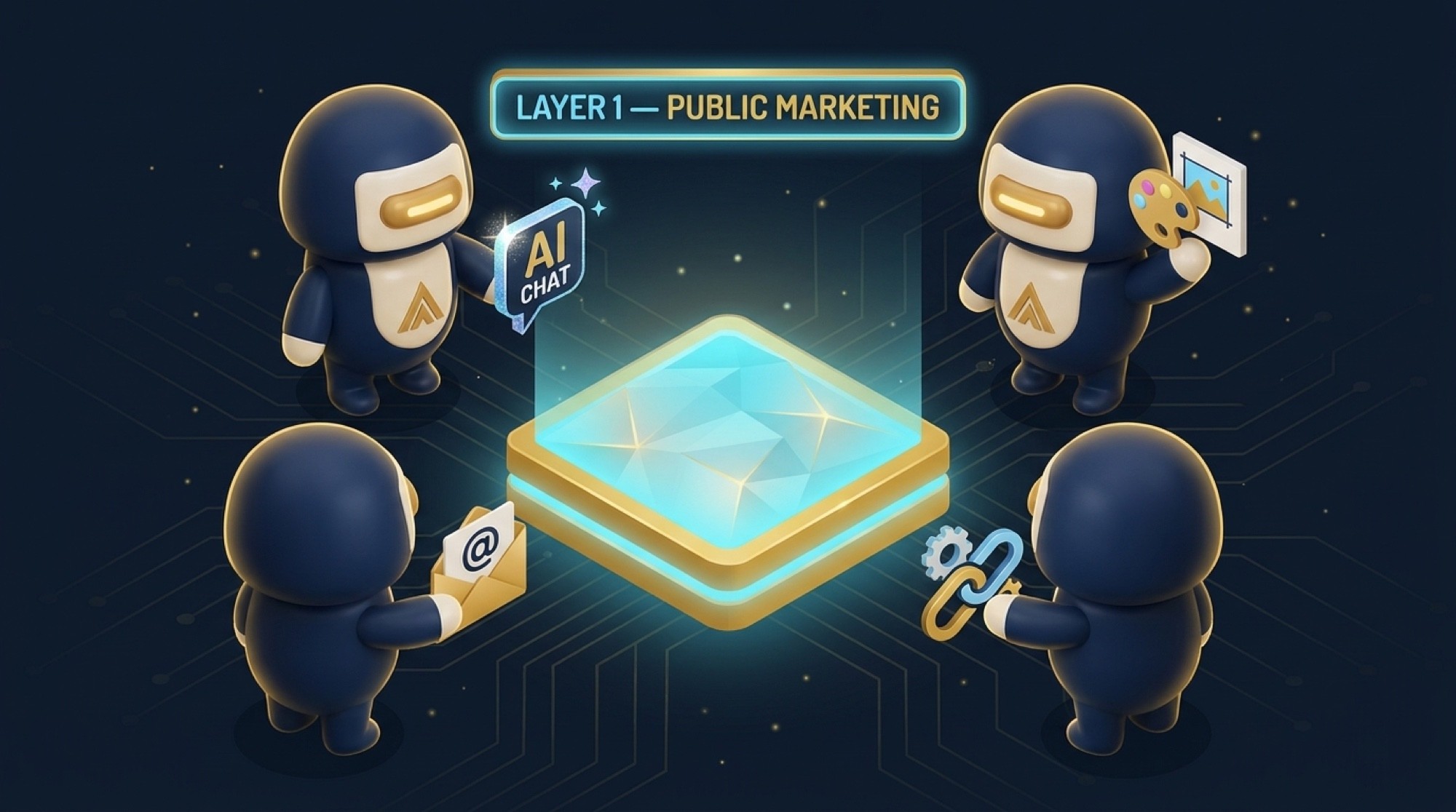
Layer 1 — Public stuff (marketing, content, social media). Low risk. Use AI freely here. This is your highest leverage move.
Layer 2 — Semi-sensitive (admin, scheduling, emails, invoicing). Medium risk. You can use AI here but you need to be on a paid business plan, not a free consumer account.
Layer 3 — Confidential (legal, financial, personnel, contracts). High risk. This never goes to a cloud AI. Period. I'll show you what to use instead in Part 3.
Before you touch any AI tool, run everything through one question — would I be okay if this showed up on the internet tomorrow? If the answer is no, it goes in Layer 3 and stays offline.
What's Actually Happening When You Use a Free AI Tool
I want you to understand this because nobody talks about it plainly.
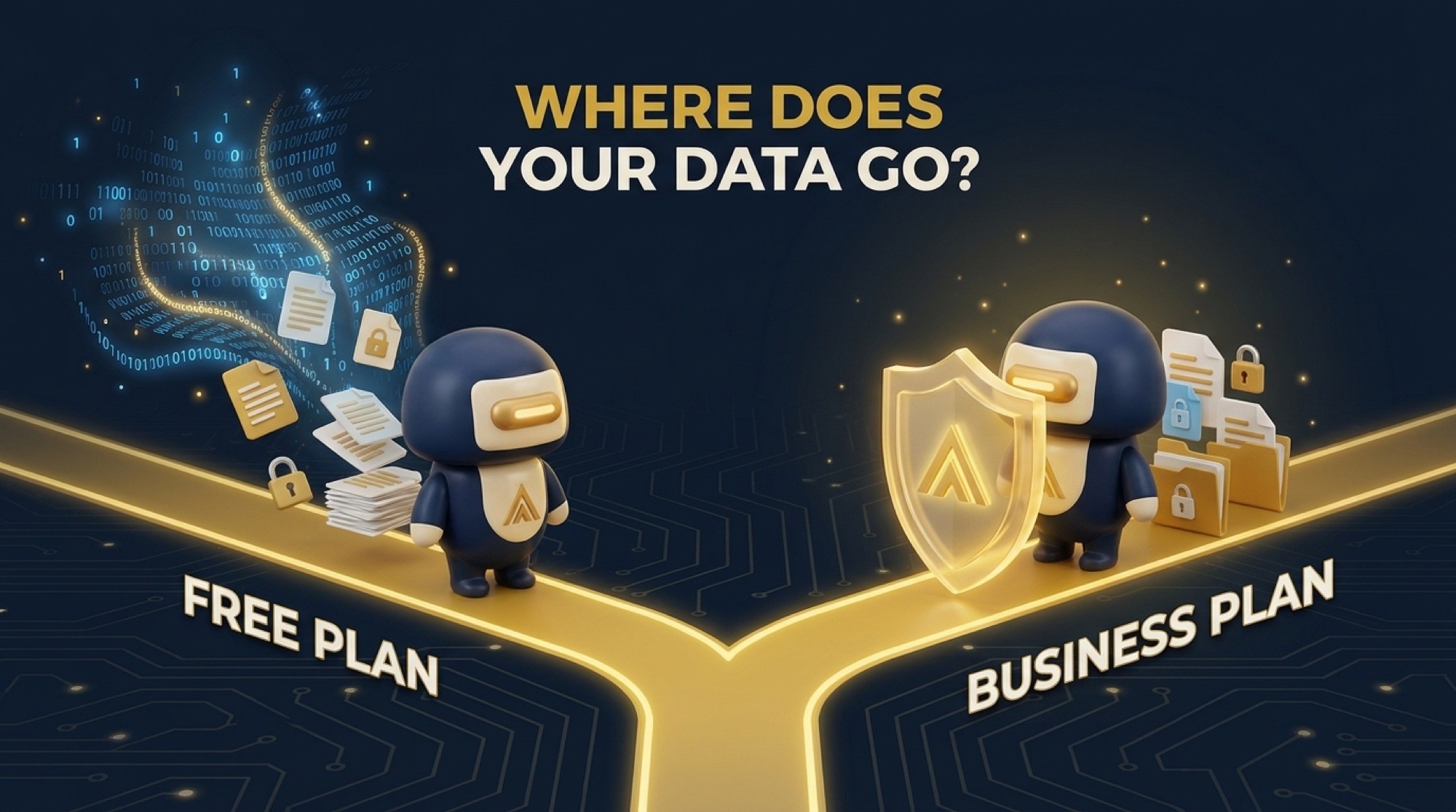
When you use the free version of ChatGPT, Gemini, or Claude, you are on a consumer plan. Those plans default to using your conversations for model training. That means the things you type — including files you upload — can be reviewed, stored, and used to improve the AI. You agreed to that in the terms of service nobody reads.
The paid individual plans at $20 a month are better, but they are still consumer-grade. Your data is still treated as consumer data.
Business and enterprise accounts are where you actually get real data protection. Google Workspace business accounts do not use your data to train their models. Microsoft Copilot inside a Microsoft 365 business plan has the same protections. ChatGPT Team and Enterprise plans exclude your conversations from training.
The difference matters. Do not run client information through a free account and assume it is protected. It is not.
At minimum, go into the settings of whatever tool you use and turn off the training opt-in:
ChatGPT — Settings → Data Controls
Claude — Privacy settings
Gemini — Gemini Apps Activity
Meta AI — no opt-out exists. I would avoid that one for any business use.
Where to Start: Layer 1 Marketing Tools
Now that you understand the rules, let's talk about where AI actually makes your life easier.
Marketing is the biggest time drain for most small business owners I know. Writing captions, creating graphics, editing videos, sending emails — it never stops. And it's the area where AI is the most developed and the most safe to use because you're already planning to put this stuff in front of the public.
Here is what I recommend and what I actually use.
For writing — Claude Pro or ChatGPT Plus. Both are $20 a month. I use Claude more for longer content because it handles nuance better. ChatGPT is slightly faster for quick short-form stuff. Pick one and learn it well. Use it for captions, email drafts, ad copy, blog outlines, responding to reviews — anything that's going public anyway.
For video — VEED.io. If you are posting Reels or TikToks for your business and you don't have a video editor, VEED changes the game. Auto captions, background removal, multi-format export. Built for people who aren't video editors. Free tier gets you started, paid is around $18 a month.
For graphics — Canva. I know everyone knows Canva but I still see business owners spending money on designers for things Canva handles in ten minutes. The AI features in Canva Magic Studio let you generate graphics, resize for every platform, and even write copy. Free tier is solid. Pro is about $15 a month.
For email — Brevo or Mailchimp. Both work. Brevo is smarter for most small businesses because it charges based on emails sent, not the size of your list. So if you have a lot of contacts but don't email constantly, you save a significant amount compared to Mailchimp's subscriber-based pricing. HubSpot's free CRM also includes basic email if you want to start at zero cost.
For automation — Zapier or Gumloop. This is the glue that makes everything work together. Write a blog post, it automatically posts to social, queues for email, logs in your CRM. Zapier is the established option. Gumloop is newer and adds an AI layer so you can build smarter workflows without code. Both have free tiers.
For tracking leads — HubSpot free CRM. I recommend starting here before you pay for anything. Free CRM, contact management, email tracking, basic forms. It is more than enough for a solo operator or small team and it sets you up properly when you are ready to grow.
The Number I Want You to Remember
The average team uses eleven or more tools and only actually uses about a third of them. That's money you're throwing out every month for software that sits there doing nothing while you're still doing things manually.
Start with two tools. Make them habits. Then add the next one.
The goal is not to have the most AI tools. The goal is to get time back.

What's Next
Part 2 is about Layer 2 — the admin and semi-sensitive work. Which cloud tools are actually safe for that and how to set them up right.
If you want help building your AI stack the right way without putting your client data at risk, that's what we do at Murillo Advisors. Veteran-owned, Fort Worth, Texas.
Edgar Murillo is the founder of Murillo Advisors, a digital marketing and web design agency based in Fort Worth, TX. Veteran-owned.